Key takeaways
- Standing desks and kneeling chairs solve different problems – one reduces sitting time, the other improves how you sit
- A 2024 study of 83,000+ participants found prolonged standing offers no heart health benefit – standing alone is not a silver bullet
- Kneeling chairs reduce lumbar disc pressure by up to 65% by opening hip angles to 110 degrees for a more natural spinal curve
- The best approach combines both – alternating between sitting, kneeling, and standing throughout the day
- Budget difference is significant: kneeling chairs run $100-$300, quality standing desks cost $400-$1,500+
In this guide
- The core difference between these solutions
- Standing desk benefits and real limitations
- Kneeling chair benefits and real limitations
- Side-by-side comparison table
- Cost analysis: what you actually pay
- Who should choose a standing desk
- Who should choose a kneeling chair
- The hybrid approach: sit, stand, kneel protocol
- Space and setup requirements
- The verdict
You have probably seen the headline: “Sitting is the new smoking.” So you started researching alternatives and landed on two popular options – standing desks and kneeling chairs. But which one actually delivers on the promise of better health and less pain?
Here is what most comparison articles will not tell you: they solve completely different problems. A standing desk changes whether you sit. A kneeling chair changes how you sit. That distinction matters more than you might expect.
This guide breaks down the real science, the real costs, and the real trade-offs. By the end, you will know exactly which option fits your body, your budget, and your workday – or whether combining both is the smarter path.
Standing desk vs kneeling chair: the core difference
A standing desk removes the chair. A kneeling chair redesigns it. Both target the damage that prolonged static sitting does to your spine, but they take opposite paths to get there.
Standing desks convert your work surface so you can alternate between sitting and standing throughout the day. The pitch is simple: reduce total sitting time by spending portions of your workday on your feet. Most quality models use electric motors to adjust height at the push of a button.
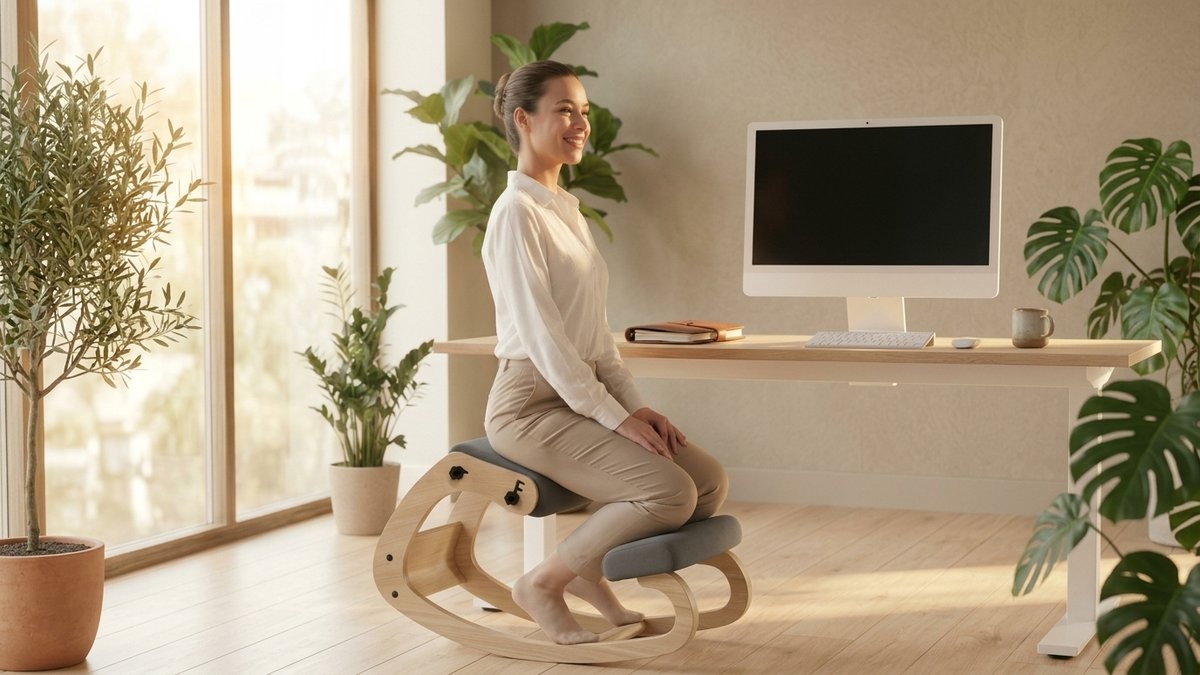
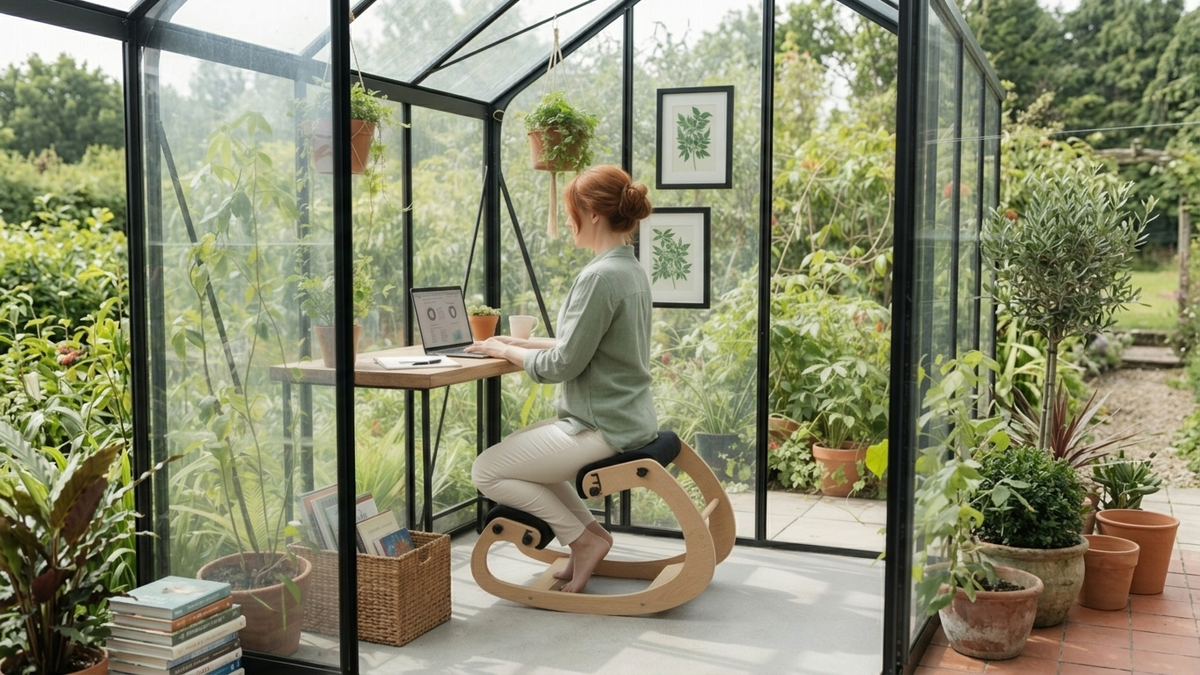
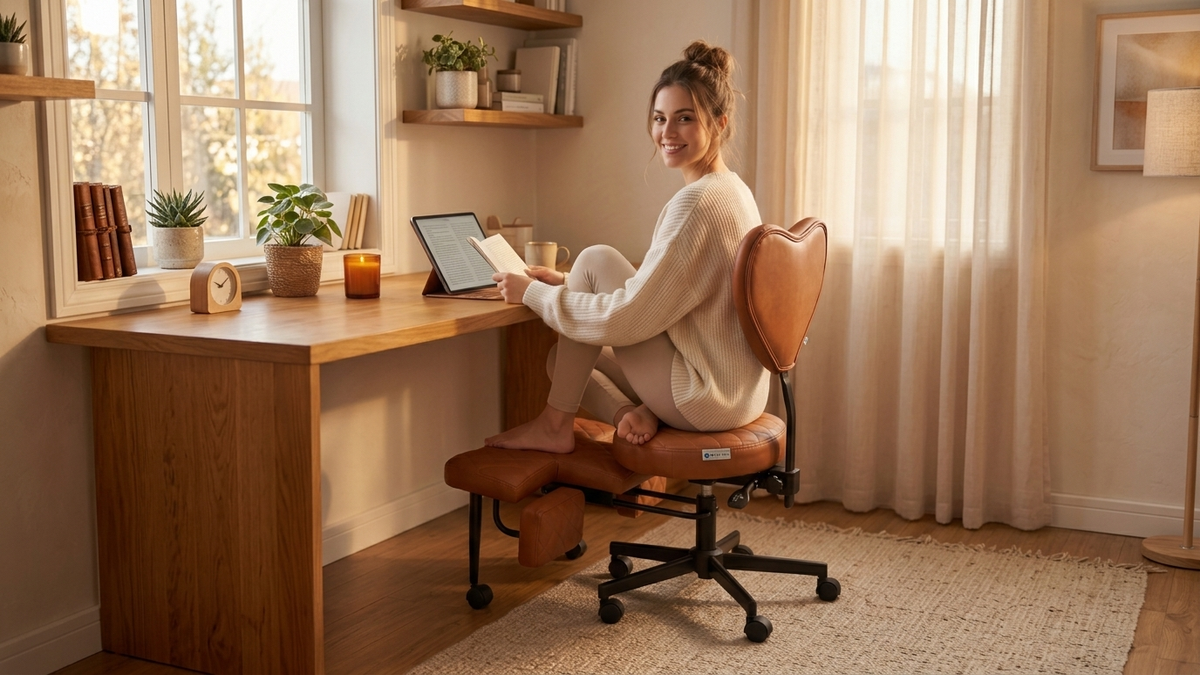
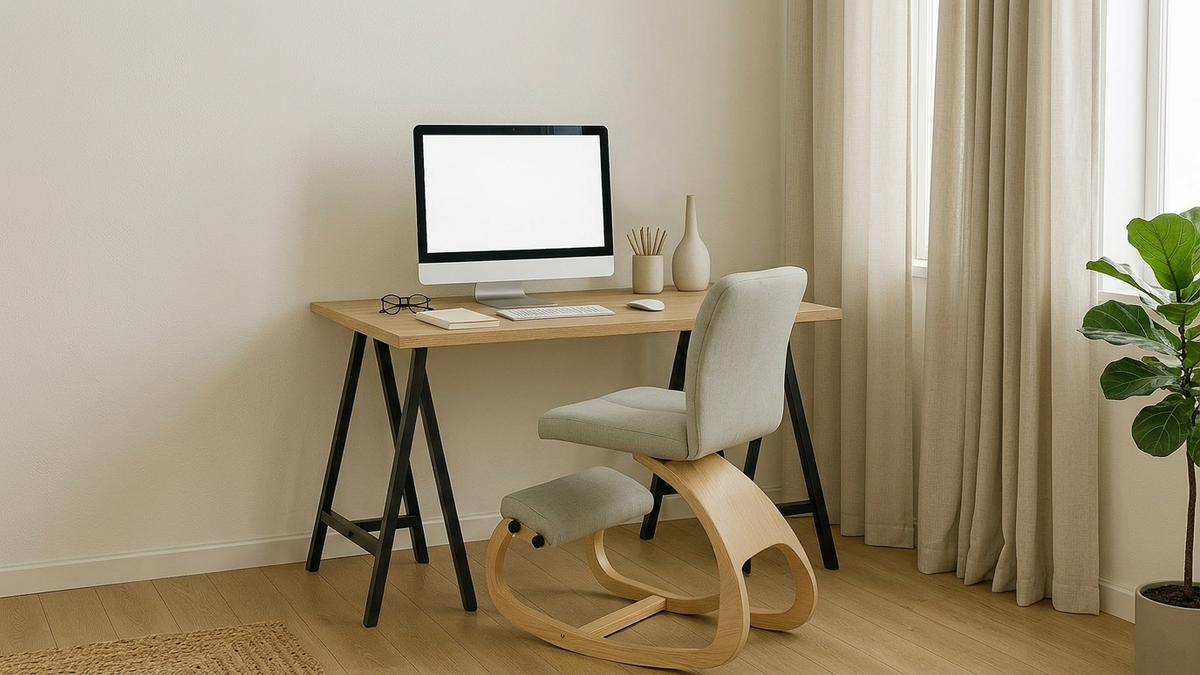
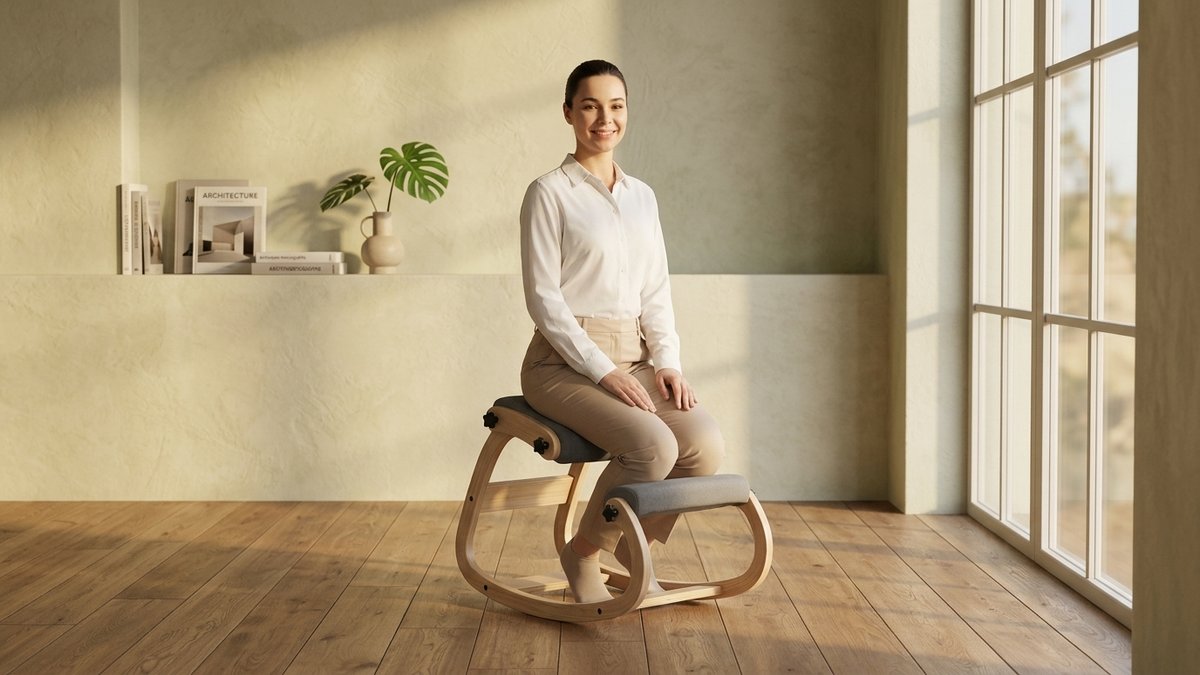
Kneeling chairs keep you seated but shift your pelvis forward into a natural tilt. This opens your hip angle to 110-120 degrees instead of the 90-degree compression of a traditional chair. Your spine stacks naturally, and your core stays engaged without conscious effort.
The real question is not which one is better in theory. It is which one you will actually use consistently. That depends on your work habits, your body, and your space.
Standing desk benefits and real limitations
Standing desks reduce total sitting time, but the research is more mixed than the marketing suggests. They have dominated the ergonomic conversation for a decade. The science tells a more nuanced story.
What the research supports
- Workers cut sitting by 94 minutes per day on average when using sit-stand desks (BMJ Open Sport and Exercise Medicine, 2019)
- Less neck and shoulder tension during standing intervals, especially for keyboard-heavy work
- Better energy and alertness – many users report improved focus during standing periods
- Healthier blood sugar regulation when alternating positions after meals
What the research challenges
- No cardiovascular benefit: A 2024 study of 83,000+ participants found prolonged standing did not reduce heart disease or stroke risk (International Journal of Epidemiology)
- Leg fatigue and foot pain from extended standing, plus increased varicose vein risk
- No blood pressure improvement: West Virginia University research confirmed sit-stand desks do not lower blood pressure
- Only 8 extra calories burned per hour compared to sitting – about 88 versus 80 calories
Common misconception
Standing all day is not the opposite of sitting all day. It is just a different kind of static posture. Your body needs movement variety, not a single “correct” position held for hours. For a deeper look, read our standing desk benefits and risks guide.
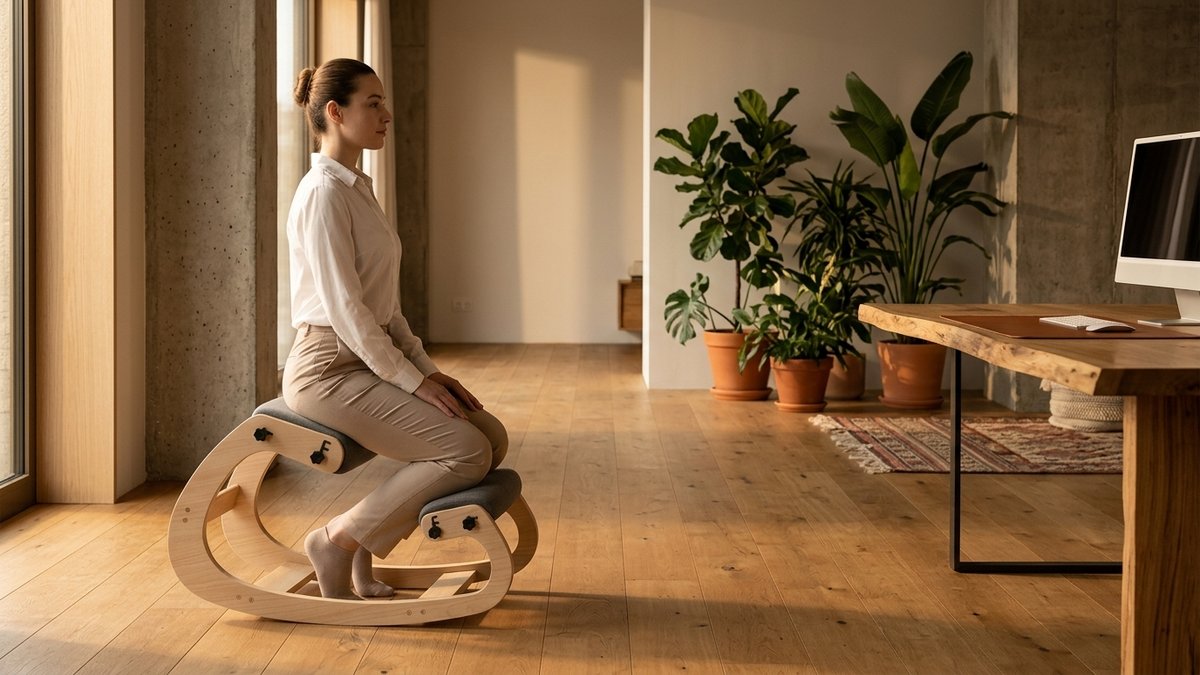
Kneeling chair benefits and real limitations
Kneeling chairs mechanically improve spinal alignment while you sit. The evidence base is smaller than standing desk research but genuinely promising for specific problems. These chairs have been studied since the 1970s.
Side-by-side comparison table
This table puts both options head to head across every factor that matters for your decision. No marketing spin – just practical differences you can evaluate against your own situation.
| Factor | Standing Desk | Kneeling Chair |
|---|---|---|
| Price range | $400-$2,500 (electric); $150-$400 (converter) | $100-$500 (most quality options under $300) |
| Space required | Full desk footprint (48″x30″) plus standing room | Fits under any existing desk; no extra space needed |
| Setup complexity | Replaces entire desk; 30-60 min assembly | Ready in 5 minutes; works with your current desk |
| Posture impact | Minimal – standing does not automatically fix posture | Significant – mechanically encourages natural spinal alignment |
| Back pain relief | Moderate – reduces sitting compression but can cause lower back fatigue | Strong – reduces lumbar muscle strain and spinal disc pressure |
| Core engagement | Minimal – standing is passive | Active – forward tilt engages stabilizing muscles throughout use |
| Calorie burn | ~88 cal/hour (8 extra over sitting) | ~85 cal/hour (moderate increase from muscle engagement) |
| Fatigue factor | Leg fatigue, foot pain, and varicose vein risk | Shin pressure during first 1-3 weeks, then fades |
| Learning curve | Low – stand when you want, sit when tired | Moderate – 1-3 weeks to fully adapt |
| Long-term use | High abandonment rate within months | Comfort increases as postural muscles strengthen |
| Portability | Not portable – permanent furniture | Lightweight – easily moved between rooms |
| Best for | People who sit 8+ hours and need position variety | People with back pain who need better sitting posture |
Notice the pattern? Standing desks excel at reducing total sitting time. Kneeling chairs excel at improving the quality of your seated time. They are complementary tools, not direct competitors.
Image Coming Soon
Visual infographic summarizing the comparison table with icons for price, space, posture, and pain relief, using sage green and terracotta accents
Cost analysis: what you actually pay
Kneeling chairs deliver stronger posture benefits at roughly one-third the price of a comparable standing desk setup. Budget is one of the clearest differentiators between these two options.
A quality electric standing desk runs $400-$1,500. Add an anti-fatigue mat ($40-$100) and a monitor arm ($30-$150), and your total investment lands between $500 and $1,800. Desk converters that sit on your existing surface cost $150-$400 but still need accessories.
A quality kneeling chair runs $100-$300 for most buyers. No new desk required, no assembly hassle, no accessories to purchase separately. You can test the concept at a fraction of the standing desk price and switch back if it does not work for you.
The real cost comparison is not chair versus desk. It is either option versus doing nothing. A single physical therapy session costs $150-$350. Chronic back pain treatment runs $2,000-$7,000 annually (American Chiropractic Association). A $300 chair that prevents even a fraction of that pays for itself fast.
The budget-smart path
Start with a kneeling chair ($100-$300) and your existing desk. If you want more position variety later, add a standing desk converter ($150-$400) that sits on top of your current desk. This two-step approach gives you the benefits of both for roughly the price of one mid-range standing desk.
Who should choose a standing desk
Standing desks make the most sense when your primary problem is too many hours in one position – not the quality of the position itself. Consider a standing desk if several of these scenarios match your situation.
- You sit for 8+ hours daily and need to break up sedentary time
- You have the budget for $400-$1,500 on a quality electric model plus accessories
- You have dedicated office space for permanent furniture
- You already own a comfortable chair and want to add standing intervals
- You experience afternoon energy crashes from prolonged sitting
If you go the standing desk route, invest in an anti-fatigue mat and follow the 20-8-2 rule: 20 minutes sitting, 8 minutes standing, 2 minutes moving. Read our standing desk benefits and risks guide for the complete transition protocol.
Image Coming Soon
Person working at a standing desk with anti-fatigue mat during a video call, organized workspace, showing proper monitor height
Who should choose a kneeling chair
Kneeling chairs make the most sense when your primary problem is back pain or poor posture during seated work – not total hours of sitting. Consider a kneeling chair if several of these scenarios match.
- You experience lower back pain from desk work
- You want to improve sitting posture without replacing furniture
- You work in a smaller space where a standing desk will not fit
- Your budget is $100-$300 for a quality option
- You want something portable that works at home and the office
- You slouch within minutes of sitting in a regular chair
Start with 30-minute sessions and build to 2-4 hours. Your core and postural muscles need time to adapt. Most people notice a real difference in back comfort within the first two weeks. If you want to understand the active sitting science behind why this works, that guide explains the biomechanics.
Check with your doctor first if you have knee issues
If you have existing knee problems, recent knee surgery, or lower leg circulation issues, talk to your doctor before trying a kneeling chair. The shin pads redistribute weight to your lower legs, which is not suitable for everyone.
If the research on pelvic tilt and spinal loading has you rethinking your current setup, the NYPOT Kneeling Chair was designed around exactly these biomechanical principles – with memory foam cushioning rated for 8-plus-hour workdays.
The hybrid approach: sit, stand, kneel protocol
Ergonomics researchers consistently recommend rotating between positions rather than picking a single solution. This is called “postural variety,” and it is the closest thing to a consensus recommendation in the field.
The idea is simple: your best position is always your next position. No chair, no desk, and no standing mat can replace regular movement. But a thoughtful rotation between sitting, standing, and kneeling gives your body the variety it needs.
A sample hybrid workday protocol
- 9:00-10:30 – Kneeling chair for morning deep work. Core engagement helps with alertness.
- 10:30-10:45 – Walk and stretch break
- 10:45-11:45 – Standing desk for emails, calls, and lighter tasks
- 11:45-12:30 – Kneeling chair for focused work
- 12:30-1:15 – Lunch break with walking
- 1:15-2:45 – Kneeling chair for afternoon focus block
- 2:45-3:00 – Walk and stretch break
- 3:00-4:00 – Standing desk for afternoon energy boost
- 4:00-5:00 – Kneeling chair or regular chair for wind-down tasks
Image Coming Soon
Timeline infographic showing a hybrid workday protocol – color-coded blocks for kneeling (sage green), standing (terracotta), and movement breaks (light gray)
Building your hybrid setup step by step
Step 1: Start with a kneeling chair ($100-$300) and your existing desk. Immediate posture improvement, zero disruption.
Step 2: Add a standing desk converter later ($150-$400). It sits on your current desk surface.
Step 3: When ready, invest in a full sit-stand desk ($400-$1,500) for the complete solution.
This order works because a kneeling chair gives you the fastest return: better posture from day one, no workspace disruption, and you will know within two weeks if active sitting is right for your remote work setup.
Space and setup requirements
Kneeling chairs fit into any workspace, while standing desks demand dedicated room and infrastructure. This practical difference matters more than most comparison guides acknowledge, especially for home offices.
A standing desk demands a footprint of roughly 48 by 30 inches minimum, plus clearance behind it for standing room. You need a nearby power outlet for electric models. You may need to rearrange your entire room. And once it is installed, it stays put.
A kneeling chair occupies about 2 by 2 feet of floor space and slides under your existing desk. You can move it between rooms in seconds. It works in closet offices, shared spaces, and converted guest bedrooms. For tips on optimizing any space, see our desk ergonomics setup guide.
The verdict
There is no universal winner because these tools solve different problems. The right choice depends entirely on your specific situation, and anyone who tells you otherwise is oversimplifying.
If your main problem is too much sitting, a standing desk directly reduces your hours in a chair. If your main problem is back pain while seated, a kneeling chair directly improves your spinal alignment. If you deal with both issues, the hybrid approach beats either option alone.
The honest truth is that no single piece of furniture will fix years of sedentary habits. What the research consistently shows is that position variety throughout the day matters far more than finding one “perfect” posture.
Image Coming Soon
Lifestyle photo of a person in a calm home office alternating between kneeling chair and standing desk throughout the day
A $200 kneeling chair used thoughtfully will do more for your back than a $2,000 standing desk you forget to raise. And a standing desk paired with walking breaks will outperform standing still for six hours straight. The best position is always the next one.
Not sure if standing, kneeling, or hybrid is right?
Your ideal setup depends on your work style, pain points, and workspace constraints. Our Chair Finder Quiz helps you sort through the options in 60 seconds.
References
- International Journal of Epidemiology (2024). “Prospective associations of device-measured sitting, standing, and stepping with cardiovascular disease.” Study of 83,013 UK Biobank participants.
- BMJ Open Sport & Exercise Medicine (2019). “Effects of sit-stand desks on office worker behavioral and health outcomes.”
- West Virginia University (2024). “Standing desk not the answer to decreasing blood pressure.”
- Nachemson, A. (1976). “The Lumbar Spine: An Orthopaedic Challenge.” Spine, 1(1), 59-71.
- Wilke, H.J., et al. (1999). “New In Vivo Measurements of Pressures in the Intervertebral Disc in Daily Life.” Spine, 24(8), 755-762.
- PubMed (2008). “Ergonomically designed kneeling chairs – comparison of sagittal lumbar curvature in two different seating postures.”
- ScienceDirect (2015). “Effect of a kneeling chair on lumbar curvature in patients with low back pain and healthy controls.”
- Harvard Health Publishing. “The truth behind standing desks.”
- American Chiropractic Association (2023). “Back pain facts and statistics.”
Related reading
This article contains affiliate links. ErgoLife Foundation may earn a commission at no additional cost to you. All recommendations are based on our independent research and mission to improve workplace wellness.