The short version
- Standard workspaces are designed for neurotypical brains. They actively work against ADHD focus by ignoring sensory needs.
- Lighting is your brain’s first signal. Cool-white overhead lights drain ADHD focus. Warm task lighting preserves it.
- Your chair matters more than any other piece of furniture because it touches your body for 8+ hours and directly affects sensory regulation.
- Fidget tools work when they are the right kind. Gross motor movement (leg shifting, rocking) helps. Fine motor fidgets (pen clicking) can distract.
- Build incrementally. Do not overhaul everything at once. Start with seating, then lighting, then sound, then organization.
What is in this guide
- Why standard workspaces fail ADHD brains
- Lighting: your brain’s first signal
- Sound: finding your focus frequency
- Desk organization: making the invisible visible
- Color psychology: the overlooked focus lever
- Seating: the most important piece of furniture you own
- Fidget tools: channel the energy
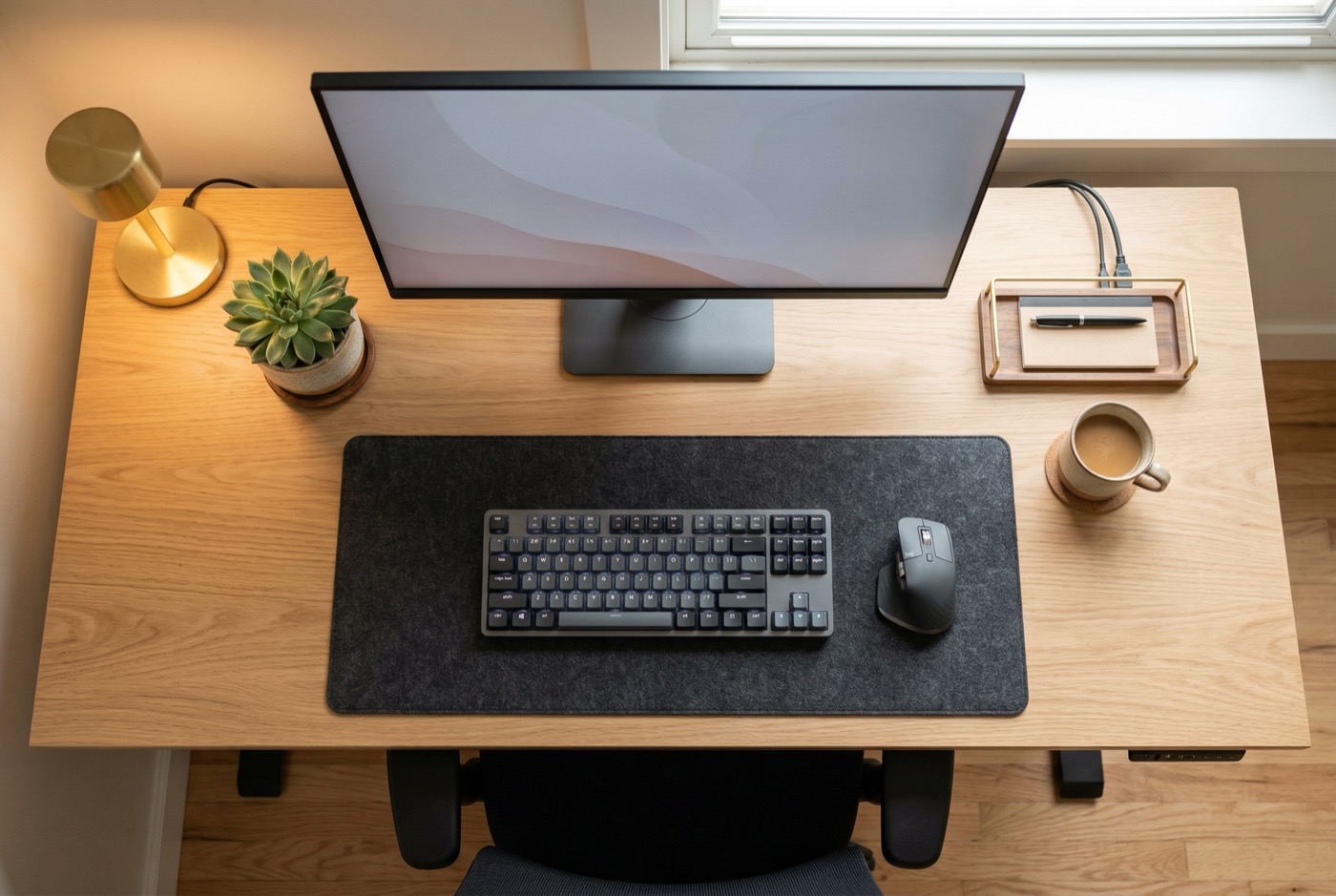
- Your ADHD workspace: an annotated layout
- Time management tools: external structure
- Digital environment: reducing invisible distractions
- Personalizing your space: the dopamine layer
- ADHD workspace essentials checklist
- Building your setup incrementally
Your workspace is either working for your ADHD brain or against it. Most workspaces – even “ergonomic” ones – are against it, because they were designed for a neurotype that is not yours.
This guide covers every element of an ADHD-optimized workspace: lighting, sound, organization, seating, fidget tools, digital environment, and the order to build it all. Each section stands alone, so you can jump to whatever matters most right now.
Why standard workspaces fail ADHD brains
Section 1 of 13
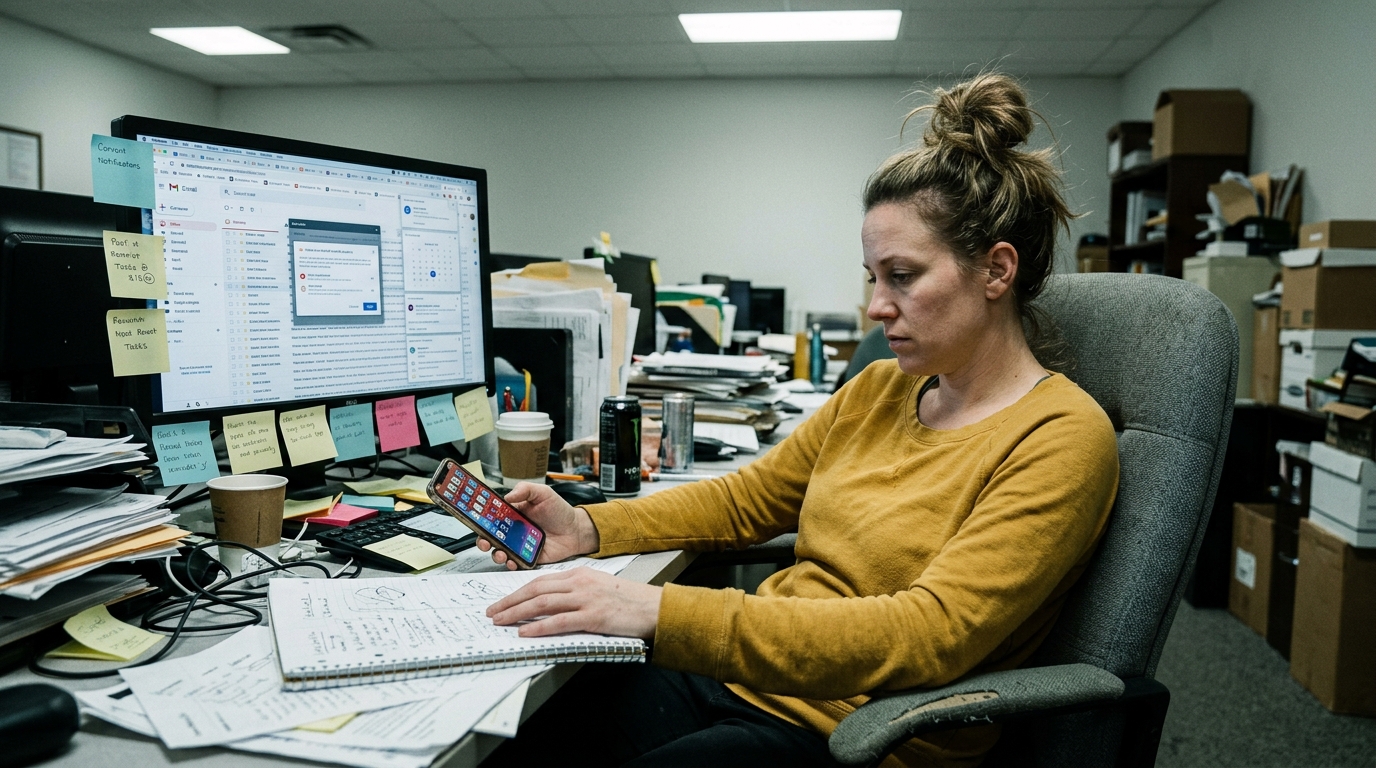
Standard workspaces assume a brain that can filter distractions automatically. ADHD brains cannot. Neurotypical brains have an executive function system that quietly suppresses irrelevant stimuli – the hum of an AC unit, a coworker’s conversation, visual clutter on a desk. In ADHD, that filter is underactive.
This means every element of your environment competes for attention equally. The notification on your phone, the stack of papers to your left, and the fluorescent light above you all demand the same cognitive resources as the task you are trying to focus on.
A workspace designed for ADHD does the filtering your brain cannot. It removes, reduces, or redirects environmental noise so your limited executive function can go toward your actual work.
Lighting: your brain’s first signal
Section 2 of 13
Cool-white fluorescent lighting actively impairs ADHD focus. Warm task lighting supports it. Research on circadian rhythms and cognitive performance shows that light color temperature directly affects alertness, mood, and attention regulation.
For ADHD brains, this matters more than for neurotypical brains because dopamine production is light-sensitive. Here is what to do:
- Replace cool-white overhead lights (5000K+) with warm-white bulbs (2700-3500K). If you cannot change the overheads, turn them off and use a desk lamp.
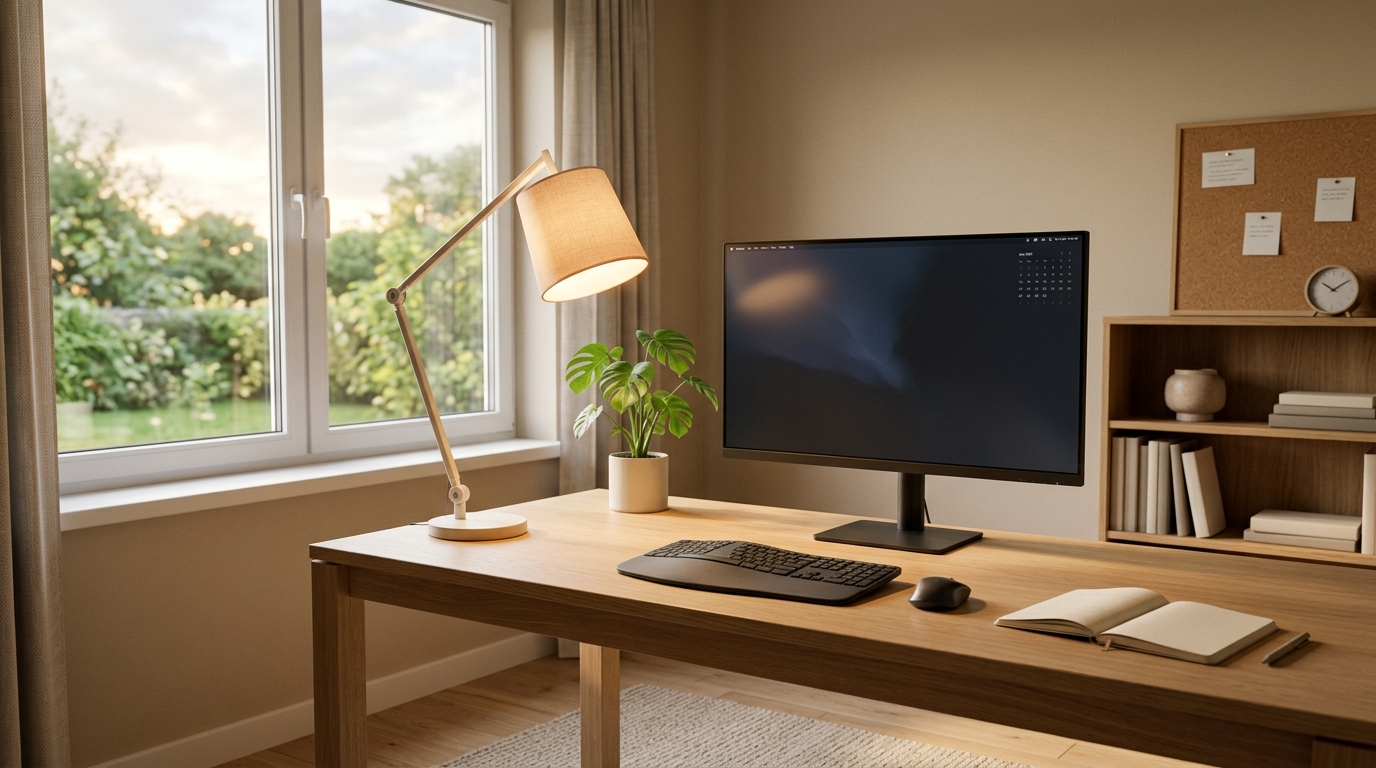
- Add a dedicated task light. A warm LED desk lamp with adjustable brightness gives you control over your visual environment. Aim it at your work surface, not your screen.
- Maximize natural light. Position your desk perpendicular to a window – not facing it (screen glare) or with your back to it (missed daylight).
- Use bias lighting behind your monitor. A warm LED strip behind your screen reduces eye strain and creates a visual anchor that helps maintain screen focus.
The 20-minute lighting test
Try this experiment. Work for 20 minutes under your current lighting. Then switch to a warm desk lamp only (overhead off) and work for 20 minutes. Most ADHD adults report noticeably better focus and reduced eye fatigue with the warm lamp.
Sound: finding your focus frequency
Section 3 of 13
ADHD brains need consistent ambient sound, not silence. Complete silence is actually harder for most ADHD brains because it leaves room for internal distractions – the random thoughts, the song stuck in your head, the sudden urge to check your phone.
The research supports a concept called stochastic resonance: a moderate level of background noise actually improves ADHD cognitive performance by raising baseline neural arousal to the optimal level.
Here is what works:
- Brown noise or pink noise at a consistent volume. Brown noise is deeper than white noise and less fatiguing over long periods. Free apps and YouTube channels provide 8-hour loops.
- Lo-fi music without lyrics. Lyrics engage language processing and compete with reading/writing tasks. Instrumental music does not.
- Noise-canceling headphones even when nothing is playing. They eliminate unpredictable environmental sounds (the ADHD attention killer) while preserving your chosen soundscape.
Desk organization: making the invisible visible
Section 4 of 13
If you cannot see it, it does not exist for your ADHD brain. This is not a character flaw. It is how ADHD working memory functions – out of sight literally means out of mind.
The solution is not “be more organized.” It is designing a system where everything important is visible and everything unimportant is hidden.
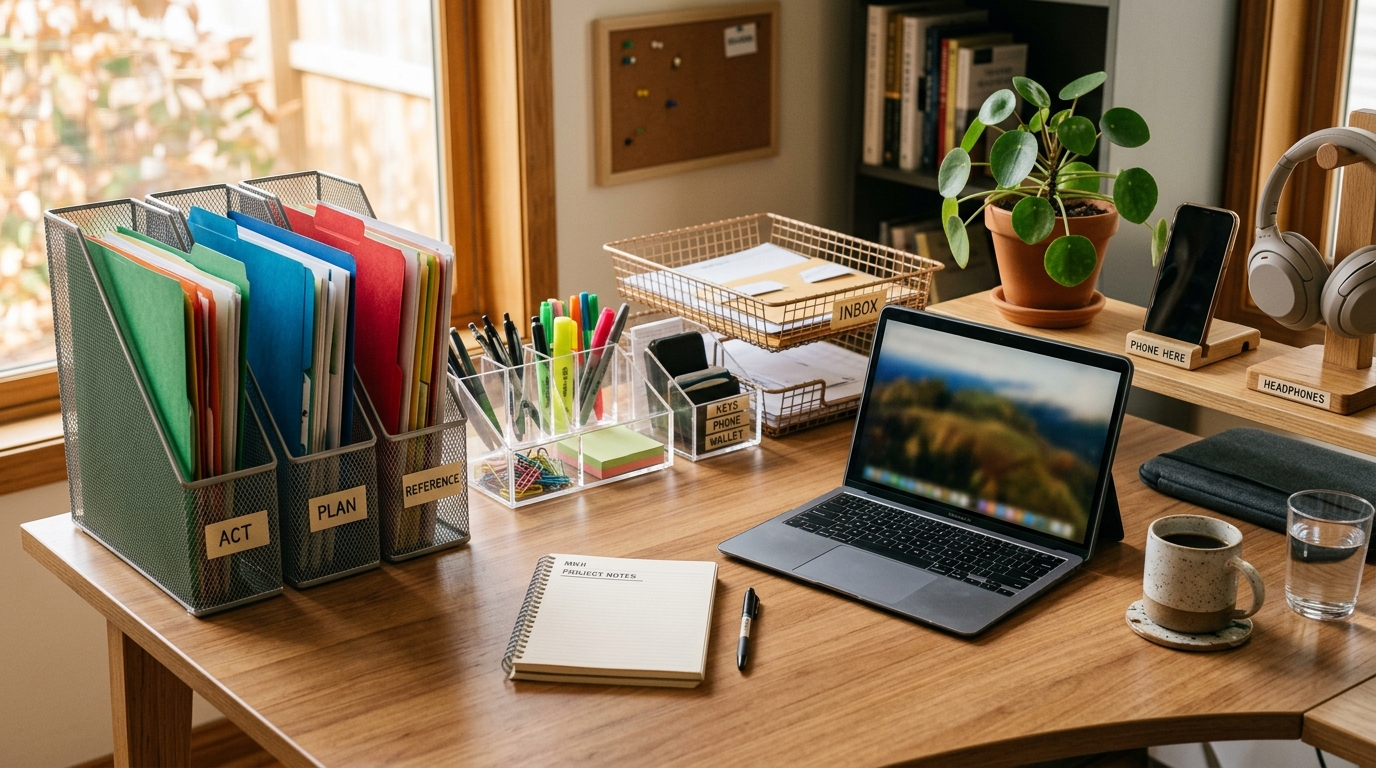
- Clear containers over opaque ones. You need to see what is inside without opening anything.
- Vertical organization over horizontal stacking. Stacks become invisible layers. Vertical file holders keep every item visible.
- One task, one zone. Designate specific desk areas for specific tasks. Writing supplies in one spot, tech accessories in another. Physical boundaries help ADHD brains context-switch.
- The “launching pad.” A single tray near your desk exit that holds keys, wallet, badge, and anything you need when leaving. Prevents the ADHD “where did I put that” panic.
Color psychology: the overlooked focus lever
Section 5 of 13
Color affects ADHD attention more than most people realize. Research on color and cognitive performance shows that certain hues increase alertness while others promote calm.
For ADHD workspaces, the goal is a calm base with strategic pops of stimulation:
- Base colors: soft greens, warm grays, muted blues. These reduce visual overstimulation while maintaining a sense of energy.
- Accent colors: warm terracotta, golden yellow, soft orange. Use these for task-critical items like your planner, your timer, or a single motivational item on your desk.
- Avoid: bright red, neon, busy patterns. These compete for attention with your actual work. Your wall art and desk accessories should be calming, not stimulating.
Seating: the most important piece of furniture you own
Section 6 of 13
Your chair interacts with your sensory system for 8+ hours a day. Nothing else in your workspace comes close. Every other element on this list – lighting, sound, color, organization – matters. But your chair is the one piece of furniture that directly touches your body, affects your proprioception, and either enables or blocks the movement your brain needs.
For ADHD adults, the ideal chair has:
- A wide seat (20+ inches) for cross-legged, tucked, and cycling positions
- No fixed armrests that block leg movement
- Breathable material for sensory comfort
- Height adjustment to accommodate different sitting positions
- A stable base for safety in asymmetric positions
The complete guide to ADHD chairs breaks down specific recommendations by sitting style.
The seating upgrade that makes the biggest difference
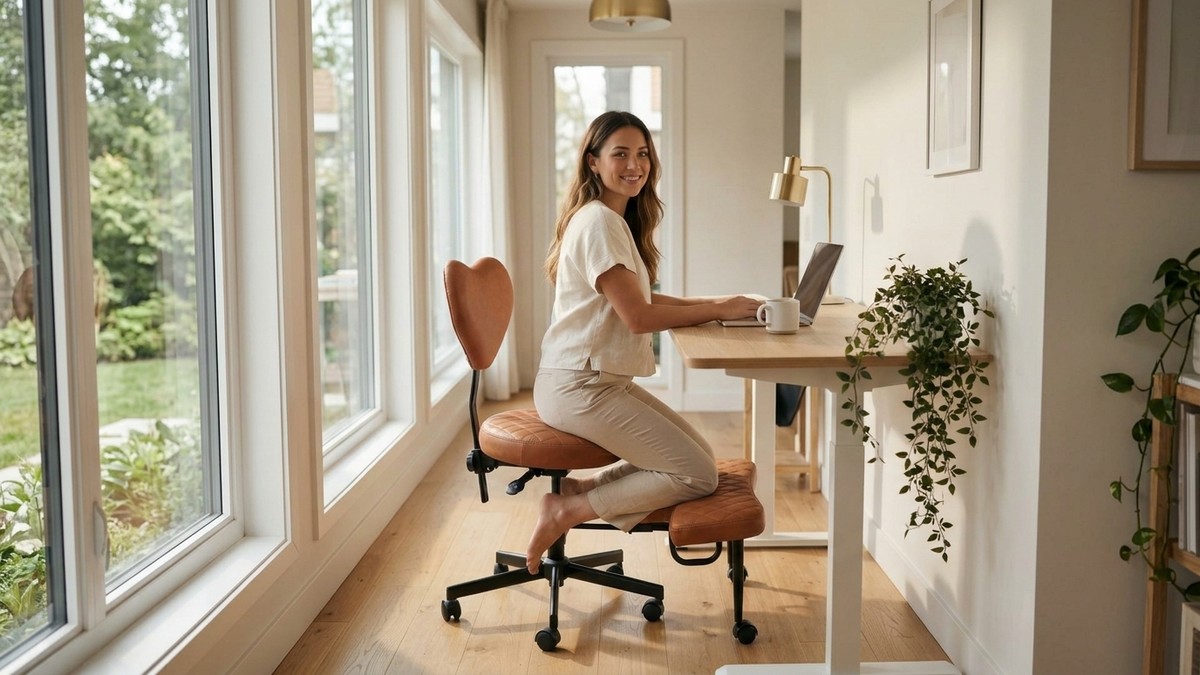
Every other workspace element in this guide matters – but none of them touch your body for 8 hours straight. The NYPOT Criss-Cross Chair supports every ADHD sitting pattern: cross-legged, tucked, shifted, cycled. It is the single highest-impact piece of your ADHD workspace.
Fidget tools: channel the energy
Section 7 of 13
Not all fidget tools help focus. The right ones channel movement productively. The wrong ones become distractions.
The research distinguishes between two types of fidgeting:
- Gross motor fidgeting (helps focus): Leg bouncing, position shifting, rocking, foot pedaling. These engage large muscle groups and produce proprioceptive input that raises alertness.
- Fine motor fidgeting (often distracts): Pen clicking, nail picking, hair twisting, fidget spinners. These engage small muscles and can compete with the fine motor demands of typing and writing.
Here are the fidget tools that research and occupational therapists recommend for desk work:
- Under-desk elliptical or pedal exerciser. Channels leg energy without visible movement. Excellent for meetings and focused work.
- Foot rest with a rocking surface. Lets you tilt and rock your feet while keeping your upper body stable.
- Resistance band around chair legs. Wrap a heavy-duty exercise band around two chair legs. Push your feet against it for silent, invisible proprioceptive input.
- Textured putty or therapy dough. Keep it in your non-dominant hand during phone calls or passive reading tasks only.
If rocking and forward-leaning are your primary fidget patterns, the NYPOT Kneeling Chair channels that energy into productive core engagement – your body stays active without your hands leaving the keyboard.
The science behind productive fidgeting goes deeper into why certain types of movement help and others hurt.
Your ADHD workspace: an annotated layout
Section 8 of 13
Here is what an optimized ADHD workspace looks like, element by element.
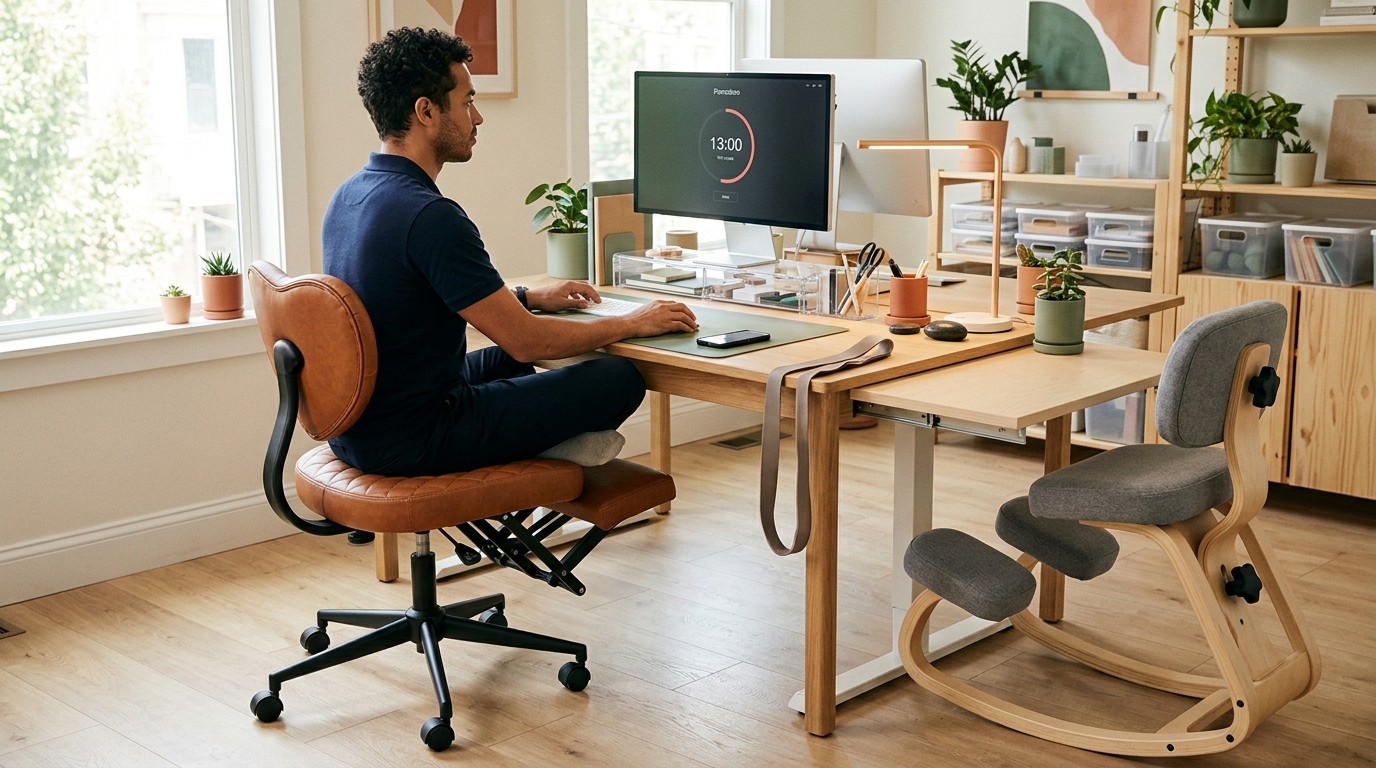
| Zone | What goes here | Why it matters |
|---|---|---|
| Center | Monitor, keyboard, mouse | Primary focus area – minimal distractions |
| Left | Clear containers, vertical files | Visible organization zone |
| Right | Drink, small plant, timer | Dopamine and hydration zone |
| Below desk | Foot rest or pedal exerciser | Hidden fidget zone |
| Behind monitor | Warm LED bias strip | Visual anchor and eye relief |
| Desk edge | Launching pad tray | Exit essentials – keys, wallet, badge |
Time management tools: external structure for internal chaos
Section 9 of 13
ADHD brains struggle with time perception. External tools that make time visible fix this.
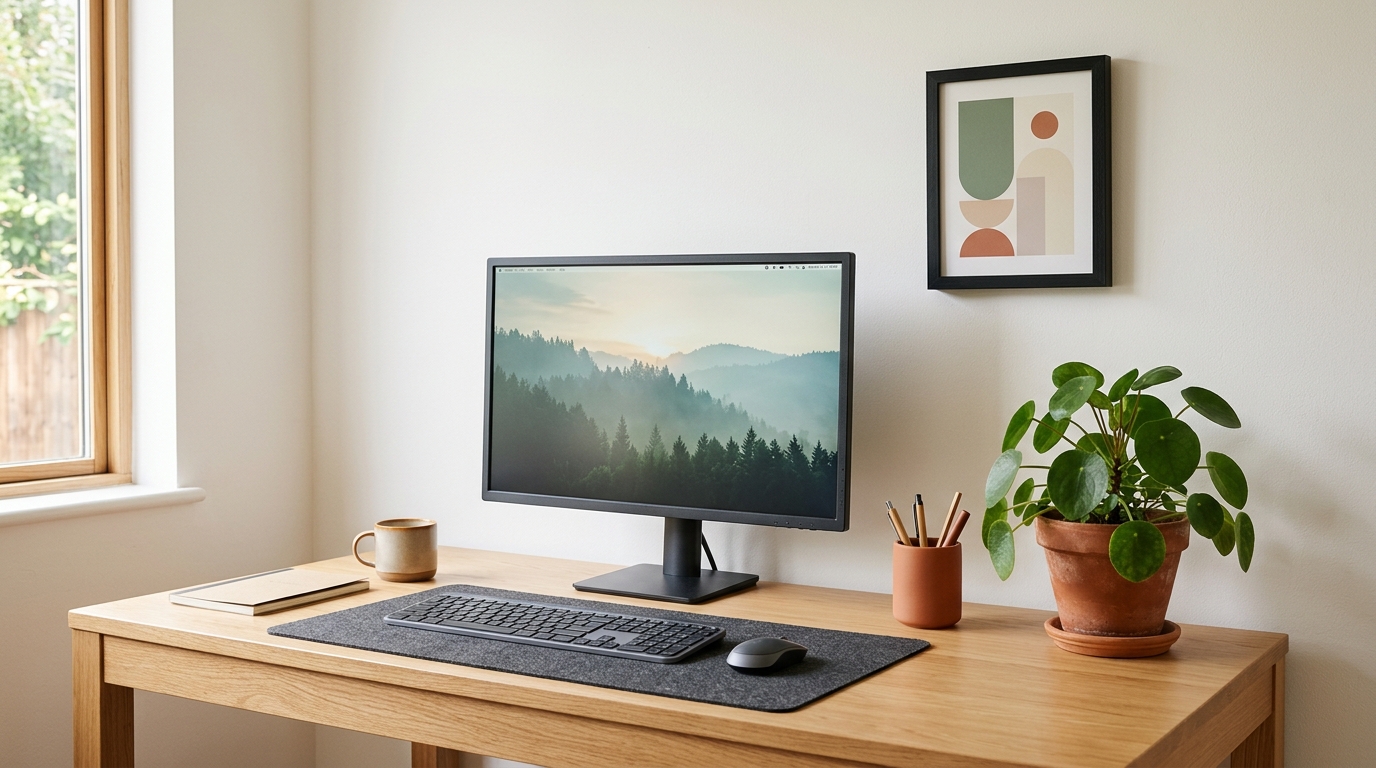
- Visual timer (Time Timer or similar). A shrinking colored disk that shows time remaining. Your brain can see time passing instead of guessing. Place it next to your monitor.
- Body doubling apps. Virtual coworking sessions where you work alongside others on camera. The social accountability helps ADHD brains initiate and sustain focus.
- Task-based playlists. Create playlists that match your task duration. When the music stops, the task block is over. This gives time an audible shape.
- The Pomodoro method with a twist. Traditional Pomodoro uses 25 minutes on, 5 minutes off. ADHD brains often do better with 15 minutes on, 5 minutes off for tasks with low interest, and open-ended sessions for hyperfocus tasks.
Time blindness is real
ADHD brains underestimate task duration by an average of 40%. If you think a task will take 30 minutes, plan for 50. This is not poor planning – it is a neurological difference in time perception that external tools can compensate for.
Digital environment: reducing invisible distractions
Section 10 of 13
Your digital workspace has as many distraction triggers as your physical one. Notifications, open browser tabs, and a cluttered desktop are the digital equivalent of a messy desk.
- Turn off all non-essential notifications. On your phone, on your computer, on your browser. Each notification costs you 23 minutes of refocusing time (UC Irvine research).
- Use a browser extension to block distracting sites. Cold Turkey, Freedom, or StayFocusd during work blocks. Remove the decision from your brain.
- One browser tab per task. Tab hoarding is ADHD’s digital fidgeting. Use a tab manager like OneTab to save tabs for later without keeping them visible.
- Clean desktop, single wallpaper. A cluttered desktop is visual noise. Move everything into one folder and use a calm, low-contrast wallpaper.
Personalizing your space: the dopamine layer
Section 11 of 13
ADHD brains need small hits of dopamine to sustain motivation. Your workspace can deliver them.
This is not about aesthetics. It is about strategic sensory rewards:
- One small plant. Living greenery reduces stress and provides a micro-moment of satisfaction when you notice it. Succulents or pothos – something that survives ADHD neglect.
- One meaningful object. A photo, a small trophy, a card from someone you care about. Not a collection – one item that makes you feel good when your eyes land on it.
- A pleasant scent. Peppermint or rosemary improve alertness in research. A small diffuser or a scented candle you light only during work creates a Pavlovian focus trigger.
ADHD workspace essentials checklist
Section 12 of 13
Use this checklist to audit your current workspace or plan a new one.
- Lighting: Warm task lamp (2700-3500K), natural light access, bias lighting behind monitor
- Sound: Noise-canceling headphones, brown/pink noise source, no unpredictable sounds
- Seating: Wide-seat chair (20+ inches), no fixed armrests, breathable material
- Organization: Clear containers, vertical files, launching pad, one-task zones
- Color: Calm base (greens, grays), warm accents (terracotta, gold), no busy patterns
- Fidget tools: Under-desk pedal or foot rest, resistance band on chair legs
- Time management: Visual timer, body doubling option, task-length playlists
- Digital: Notifications off, site blocker installed, one tab per task, clean desktop
- Dopamine: One plant, one meaningful object, focus-trigger scent
Complete your ADHD workspace checklist
Criss-Cross Chair
For position cyclers. 22-inch wide seat, breathable mesh, gas-lift adjustment.
Kneeling Chair
For forward-focus rockers. Forward tilt, core engagement, structured support.
Not sure which pattern fits you?
Take My Chair Quiz →
Building your setup incrementally
Section 13 of 13
Do not overhaul everything at once. ADHD brains get overwhelmed by large projects and abandon them midway. Build your workspace in phases, starting with the highest-impact change.
Week 1: Seating
Replace your chair. This is the single highest-impact change because it affects your body, your movement, and your sensory regulation for every hour you work.
Week 2: Lighting
Add a warm task lamp. Turn off overhead fluorescents. This is the second-fastest improvement and costs under $30.
Week 3: Sound
Get noise-canceling headphones or earbuds. Set up a brown noise playlist. Control the soundscape.
Week 4: Organization
Clear containers, vertical files, launching pad. This takes an afternoon but pays off every day after.
Each phase is complete in itself. If you stall after Week 1, you still have the most important change in place. For a broader perspective on ergonomic setup, the desk ergonomics fundamentals guide covers the physical dimensions in detail.
Start with the piece that touches your body all day
If you can only upgrade one thing this month, make it your chair. Our 60-second quiz matches your ADHD work patterns to the right seating – so your first investment makes the biggest impact on focus.
References
- Soderlund, G., Sikstrom, S., & Smart, A. (2007). Listen to the noise: Noise is beneficial for cognitive performance in ADHD. Journal of Child Psychology and Psychiatry, 48(8), 840-847.
- Mark, G., Gudith, D., & Klocke, U. (2008). The cost of interrupted work: More speed and stress. Proceedings of the SIGCHI Conference on Human Factors in Computing Systems, 107-110.
- Choi, H. H., van Merrienboer, J. J. G., & Paas, F. (2014). Effects of the physical environment on cognitive load and learning. Educational Psychology Review, 26(2), 225-244.
- Sarver, D. E., et al. (2015). Hyperactivity in ADHD: Compensatory behavior? Journal of Abnormal Child Psychology, 43(7), 1219-1232.
- Barkley, R. A. (2015). Attention-deficit hyperactivity disorder: A handbook for diagnosis and treatment (4th ed.). Guilford Press.
- Mehta, R., Zhu, R., & Cheema, A. (2012). Is noise always bad? Exploring the effects of ambient noise on creative cognition. Journal of Consumer Research, 39(4), 784-799.
Affiliate disclosure: This page contains affiliate links. ErgoLife Foundation may earn a commission at no additional cost to you. All recommendations are based on our independent research and mission to improve workplace wellness.